
3D Visualization of a Tiny Home
This project began after SIGGRAPH 2026, where inspiring presentations reinforced the importance of simulation-ready assets. I wanted to move beyond tutorials and build something real: an environment I could observe, measure, test, and improve over time.
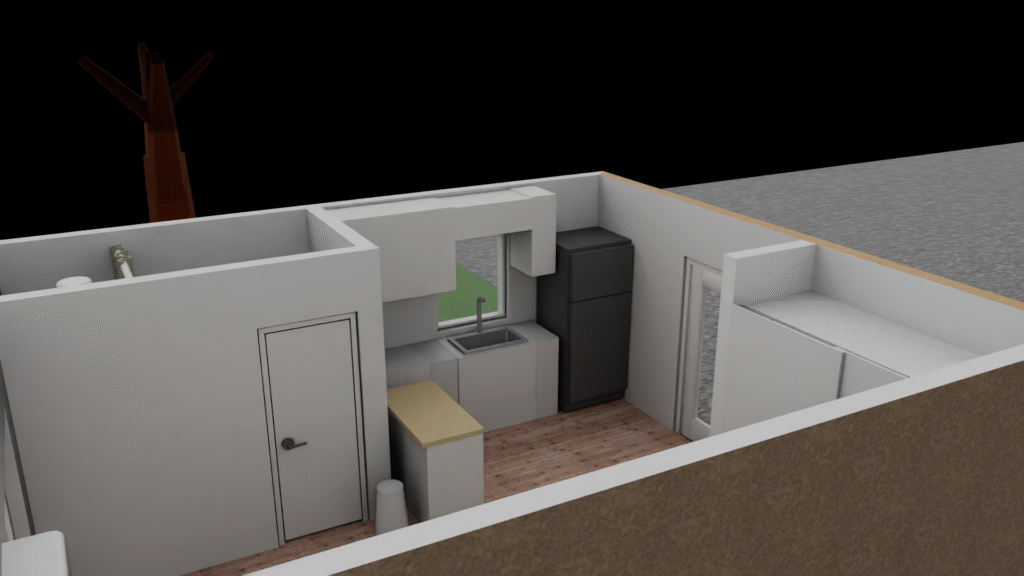
Because I do not currently have access to industrial facilities, I chose my own tiny home in Los Angeles as a practical reference. It gave me a real environment with known dimensions, physical relationships, materials, doors, furniture, and outdoor objects.
1. Building the architectural foundation
I began by reconstructing the property and the tiny home’s real dimensions and layout. This stage helped me improve my understanding of:
– Architectural scale and proportions
– Mesh organization and topology
– Materials and texture workflows
– Lighting and scene composition
– Blender and Omniverse Kit interoperability
The goal was not only to create a visually convincing scene, but also to establish a reliable spatial foundation for later simulation work.
2. Adding physical behavior
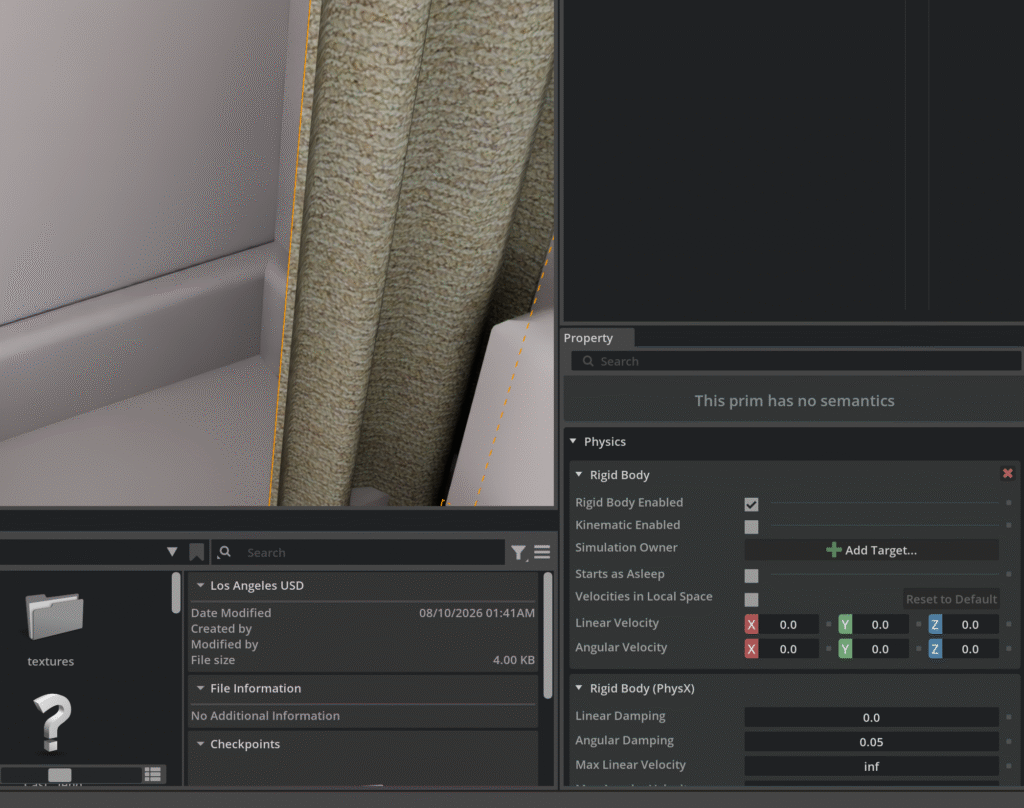
Once the visual structure was complete, I worked through the scene object by object. I added physics properties, collision geometry, rigid bodies, and joints to create meaningful relationships between objects.
Examples include:
– Doors and door handles
– A hinged box lid
– Furniture and movable objects
– Swing components
– Static architectural elements
– Collision-aware environmental objects
This process helped me understand how digital assets move from a DCC environment into a physics engine and how OpenUSD can describe relationships beyond simple geometry.
3. Extending the environment
After completing the interior, I developed the surrounding property. I modeled and assembled outdoor elements such as:
– A deck and pergola
– Firepit and brick ring
– Fencing
– Tree and lightweight foliage
– Swing
– BBQ grill
– Beach chairs
– Exterior lighting
These objects were selected not only for visual appeal, but also because they provide opportunities for interaction, collision testing, and future robotic tasks.
4. Creating multiple representations
The project now has different versions for different purposes.
The simulation-oriented version is organized as an OpenUSD scene intended for Omniverse and Isaac Sim workflows. It focuses on structure, materials, object relationships, physics properties, and future robotics applications.
The web version is optimized as a lightweight GLB for interactive viewing with Three.js. It uses simplified geometry and materials to keep the experience responsive in a browser. Users can orbit around the property and hide or show the roof to explore the interior.
. Current technical direction
The scene is being developed as a foundation for future robot-training environments. The next areas of improvement include:
– Better object naming and semantic labeling
– More consistent data structures
– Organized USD prim hierarchies
– Improved collision and joint definitions
– Simulation metadata
– MCP-assisted scene inspection and editing
– More efficient LOD and asset streaming strategies
his project has allowed me to combine visual development, physics, digital twins, OpenUSD, web-based 3D, and robotics-oriented thinking in one continuous workflow.
It is still evolving, but that is the purpose of the project: to understand how assets can move from a DCC, into a structured USD environment, into simulation, and
finally into an accessible browser-based experience.
I am interested in contributing to teams building digital-twin platforms, OpenUSD pipelines, simulation-ready assets, robotics environments, and physical-AI
systems.
If you are working in these areas, I would love to connect.